The latest version of Lexacom 3 is:
Lexacom 3 updates release automatically, but your IT Team may have set PC permissions which prevent the update.
If your Lexacom 3 software has not automatically updated to 3.14.17 or 3.14.20, you may need to contact your IT Team to update your PC Folder Permissions.
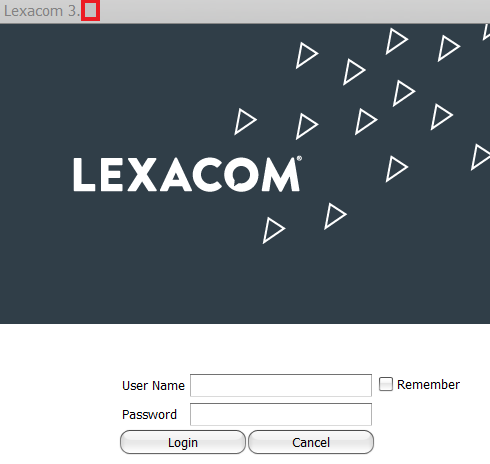
You can check the version you are currently running at the Log In screen as shown below –
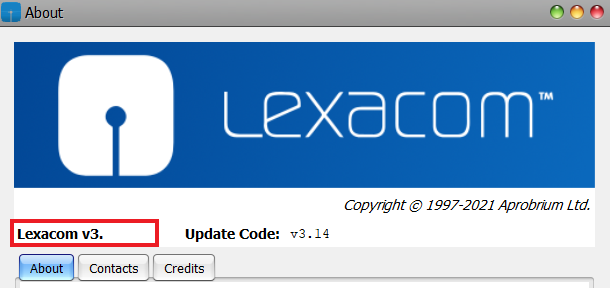
To find out more about your Lexacom 3 version


Join our webinar to find out how to make the most of your Lexacom system.
Learn more